One Template, Every Meeting
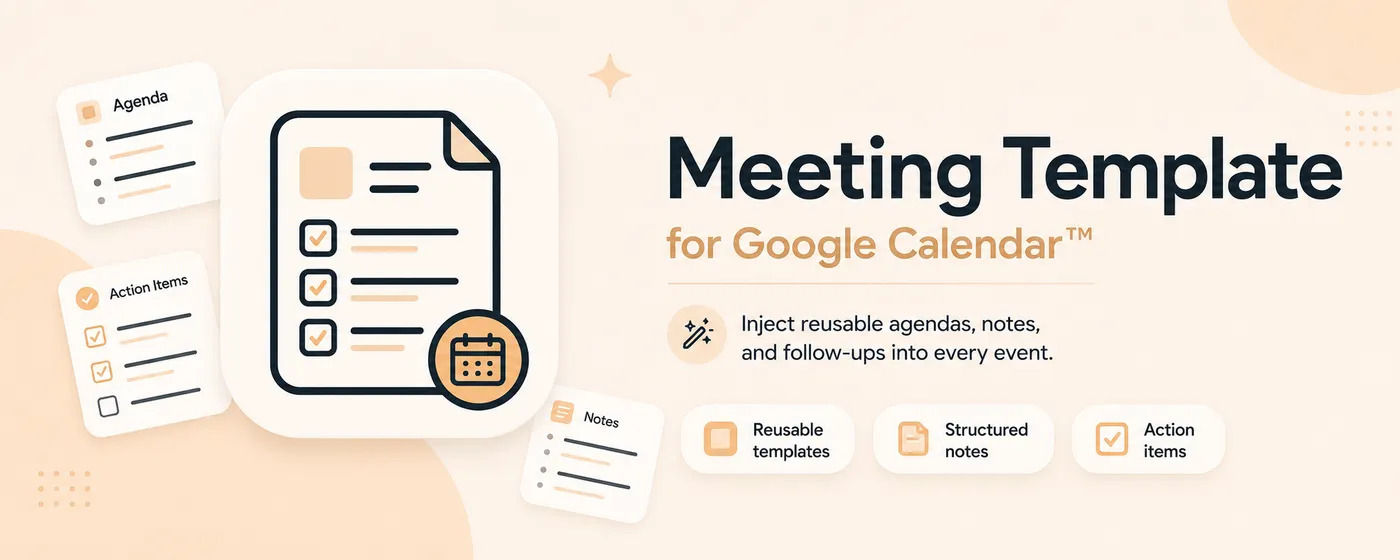
Every recurring meeting I run starts the same way: open a Google Calendar event, click into Details, retype the same agenda skeleton — goals, notes, action items. Every time. Ten seconds of friction times a few hundred meetings a year, and it nagged at me enough to do something about it.
So I built a Chrome extension that does exactly one thing. Meeting Template for Google Calendar lets you write your template once and have it land in the Details field of every new event — automatically when you want it, on demand when you don’t. After it inserts, focus jumps to the Title field so you can just start typing the meeting name. It’s live on the Chrome Web Store: install it here.
This is the build notes. Short, because the extension is small on purpose.
The whole point is “do one thing”
It asks for two permissions — storage and scripting — and it only runs on calendar.google.com. No account, no server, no tracking. Your templates live in your browser and go nowhere else. A tool that touches your calendar should be boring about your data, and this one is.
You get a popup with a real editor: type Markdown shortcuts (**bold**, - bullet, # heading) or use the toolbar, and it auto-saves after you stop typing. Flip one toggle if you want the template injected automatically the next time you open an event with an empty description.
The stack
A Preact popup, a TipTap editor for the WYSIWYG-plus-Markdown writing surface, and marked + turndown to move cleanly between Markdown and the HTML that Calendar actually stores. Everything is built with Vite and the CRX plugin into a Manifest V3 bundle.
My Takeaway
The best side projects scratch a ten-second itch you hit a thousand times. Keep the scope honest, respect the user’s data, and never clobber the user’s typing. The rest is just shipping it.
If you live in Google Calendar, grab it from the Web Store — and if it saves you those ten seconds, tell me what your template looks like.
Found a rough edge or want it to do something it doesn’t? Hit Send feedback in the extension popup — it goes straight to my inbox, and it’s the fastest way to shape where this goes next.